Website Design That Works for Your Brand and Marketing
By Maya Collins · Published · Updated · 5 min read
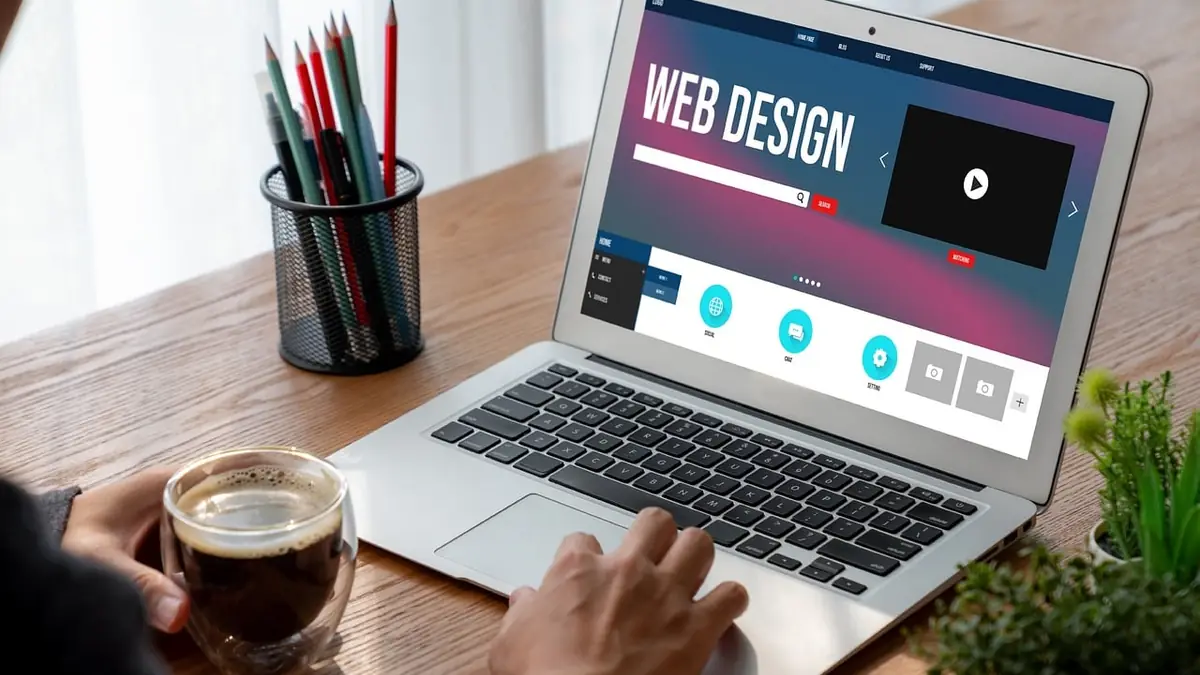
Your website is the one piece of marketing real estate you fully control. Social platforms change their rules, algorithms and reach whenever they like, but your site stays yours. For a small business, that makes it the hub every other channel should point to — the place where a curious follower becomes a paying customer.
This guide covers what website design and build services actually involve, what they typically cost, how long they take, and how to make sure the site supports your brand instead of fighting it. No jargon, no upsell — just what to expect when you hire someone or brief a project.
What Website Design and Build Services Cover
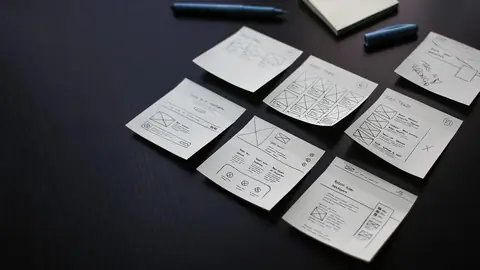
A proper website project has three layers: strategy, design and build. Strategy is deciding who the site is for, what action you want visitors to take, and which pages are genuinely needed. Design covers layout, typography, colour and imagery — the visual expression of your brand. Build is turning that into a working, fast, mobile-friendly site. Many small businesses only budget for the middle layer and wonder why the result looks nice but doesn't convert.
Be clear about what's included before you sign. A good proposal lists page count, content writing, image sourcing, forms, analytics setup, training and post-launch support. If copywriting isn't included, assume you're writing the text yourself — and that alone can add two to four weeks to the timeline. Ask whether you'll own the domain, hosting and content management system outright, and get that in writing.
You don't need a 20-page site. Most small businesses do well with five to eight pages: a home page, a services or products page (or a few), an about page, a contact page and perhaps a blog or portfolio. Extra pages you never update do more harm than good. Map each page to one visitor question and one action, then cut everything that doesn't serve that.
- Strategy and sitemap before any design work
- Mobile-first layouts — most small-business traffic is on phones
- Content management system you can edit yourself
- Analytics and conversion tracking installed at launch
How Much a Website Really Costs
For a brochure-style small business site, expect roughly £1,500 to £6,000 or $2,000 to $8,000 from a freelance designer or small studio. That range covers five to eight pages, a template-based or lightly custom design, and basic setup. A fully custom design with copywriting, photography and integrations will push past £10,000. DIY builders cost £10 to £40 a month, but your time is the real expense — most owners underestimate it.
Ongoing costs matter too. Budget £10 to £50 a month for hosting, £10 to £20 a year for a domain, and a small amount for plugins, email or security tools. If you're also paying for email marketing, it's worth understanding how the two connect — see How to Set Up Email Marketing Alongside Social Media for how a signup form on your site feeds a list you actually use.
Get at least three quotes and compare scope, not just price. The cheapest quote often excludes content, revisions or training. Ask what happens after launch: who fixes a broken form, who updates the plugin, and what the hourly rate is for changes. A slightly higher upfront price with clear support terms is usually the better deal.
How Long a Website Build Takes
A realistic timeline for a five-to-eight-page site is six to twelve weeks from kickoff to launch. Strategy and sitemap take one to two weeks, design one to three, build two to four, and testing and revisions another one to two. If you add copywriting or custom photography, add two to four weeks. Anyone promising a fully custom site in a week is either using a template or skipping the thinking.
Your own responsiveness is the biggest variable. Designers stall when they're waiting on feedback, text or images. Set a rule: reply to review requests within two working days, and nominate one decision-maker on your side. Projects with a single approver launch noticeably faster than those with a committee.
Launch isn't the end. Plan for a light review at one month (forms working, analytics collecting data) and a bigger review at three months, when you have enough traffic data to judge which pages earn their place. Keep a running list of small fixes rather than emailing each one separately.
Making the Site Match Your Brand
Brand and website should feel like the same business. If your social posts are warm and playful but your site reads like a legal document, visitors sense the mismatch and trust drops. Before design starts, lock down your colours, two fonts, tone of voice and a handful of real photos. Consistency across every page is worth more than a trendy effect.
Run a short brand audit before briefing a designer — it saves rounds of revisions later. Our brand audit checklist for small businesses walks through the basics: logo files, colour codes, voice, and how your materials look side by side. Hand that summary to your designer and you'll get a site that extends your brand rather than inventing a new one.
One practical test: put your homepage next to your Instagram profile and your best-performing post. Would a stranger know they belong together? If not, fix the gaps before launch — headings, colours, photography style, or the way you talk about what you do.
Turning the Website Into a Marketing Engine
A website earns its keep when every other channel sends people to it with a purpose. Give each campaign a dedicated landing page so you can see what works. Link your social profiles to the pages that convert, not just the homepage. Add a newsletter signup in the footer and on your most-read pages, and connect it to your email tool so you can follow up.
Set up basic measurement from day one: page views, form submissions, phone taps and where visitors come from. You don't need enterprise software to learn what's working. Our guide to measuring social media ROI without expensive tools shows how to connect social effort to site actions using free analytics.
Finally, feed the site with content. A blog or guide section that answers real customer questions brings in search traffic month after month. You don't need to post daily — a couple of solid articles a month beats ten thin ones. If you're unsure how much content to produce, How Many Social Media Posts per Week Do You Really Need offers a sensible rhythm you can adapt for your site.
| Option | Typical cost | Timeline | Best for | Watch out for |
|---|---|---|---|---|
| DIY website builder | £10–£40/month | 1–3 weeks | Tight budgets, simple brochure site | Your time; limited flexibility |
| Freelance designer (template-based) | £1,500–£3,500 | 4–8 weeks | Small service businesses | Scope creep; content often excluded |
| Small studio (custom design) | £3,500–£8,000 | 6–12 weeks | Businesses where brand matters | Longer feedback loops |
| Full custom build with copy and photo | £8,000–£15,000+ | 10–16 weeks | Growing brands, e-commerce | Budget overruns if brief is vague |
| Ongoing care plan | £30–£150/month | Ongoing | Keeping site secure and updated | Check what's actually covered |
Briefing a Designer (or Doing It Yourself)
Whether you hire a pro or use a builder, write a one-page brief: who you serve, what you sell, the action you want visitors to take, three competitor sites you like and why, and your must-have pages. Include your brand assets and any deadlines tied to a launch or season. A clear brief is the single best predictor of a smooth project.
If you're doing it yourself, pick one platform and commit. Use a clean template, keep to two fonts and three colours, compress your images, and write headlines that say what you do in plain words. Test on a real phone before you publish. A simple, fast, honest site beats a complicated one every time.
Whoever builds it, check the handover: you should leave with logins, ownership of the domain and hosting, a short training session, and a list of what was installed. If you can't update your own opening hours or prices without paying someone, the project isn't finished.
- One-page brief with goal, audience and must-have pages
- Agree revision rounds and support terms upfront
- Test forms and checkout on a real phone
- Get logins, ownership and a training session at handover
- Budget £1,500–£8,000 for a small business site; content and photos often cost extra.
- Plan six to twelve weeks and keep one decision-maker to avoid delays.
- Match the site to your brand and point every channel at a specific page.
- Insist on ownership, logins and training at handover so you can edit it yourself.
Maya focuses on practical social media planning for small teams, from content calendars to channel selection. She writes step-by-step guides that owners can follow without a marketing background. Her work emphasizes sustainable posting habits over vanity metrics.